On-Device Face Recognition
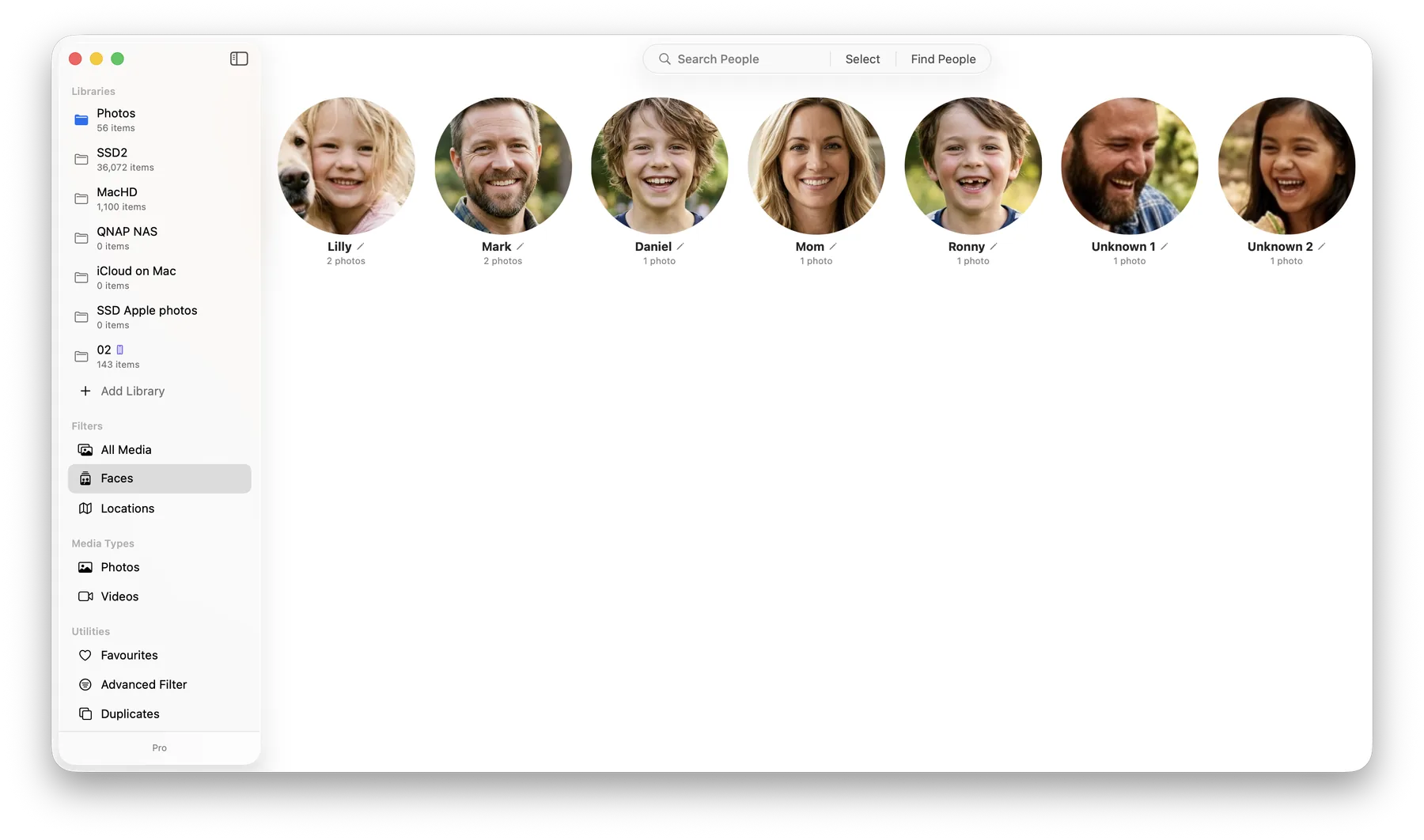
LocalPhotos uses the powerful Apple Vision framework built directly into macOS to scan, detect, and cluster faces across your entire photo library. The best part? It happens completely offline.
How It Works
When you add a folder to LocalPhotos, our background engine extracts facial embeddings from your images and clusters them to group the same person together. Recognition is automated and may not be perfectly accurate; you can always review, rename, or correct clusters yourself.
Automatic — and Correctable
Face grouping happens automatically, with no dials to tune — LocalPhotos gathers the same person across years, angles, and lighting on its own. Because recognition is never perfect, you stay in control of the results: review the groups, rename people, merge groups that belong together, or move a stray face to the right person at any time.
Total Privacy
Unlike cloud-based photo managers, your facial recognition data is never sent to a server. The mathematical models representing the faces of your family and friends are stored exclusively within the metadata folder you select on your own hard drive.