LocalPhotos Companion
The iPhone, iPad, and Android apps are in release testing. Browse, search, organize, edit, and keep photos offline from a library synced with your Mac or storage your device can reach. Android can also turn the camera roll into a managed archive on the phone, an attached drive, or a NAS. No LocalPhotos cloud account is involved.
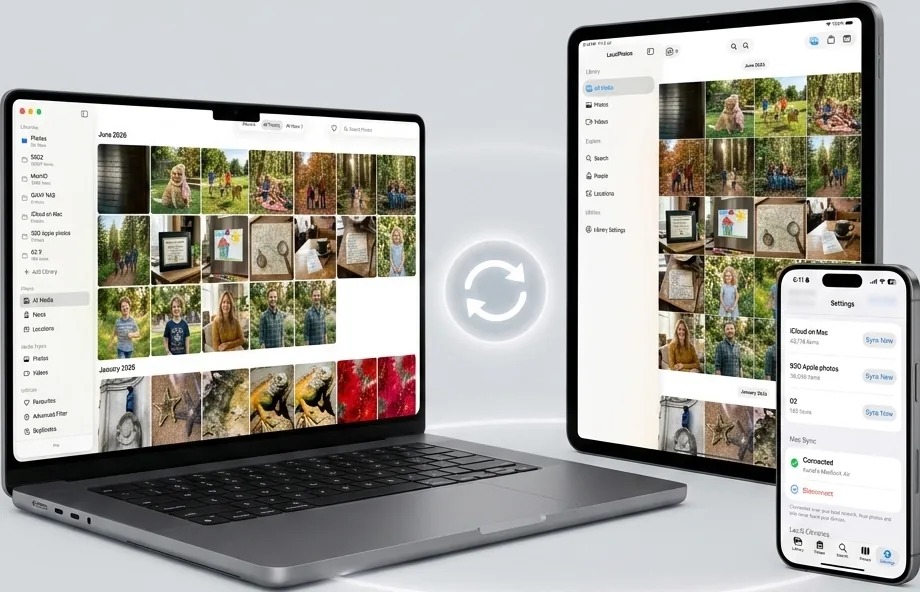
1. Your Libraries, Wherever They Live
Open a library synced from your Mac or build one from device, USB-C, or supported network storage. On Android, Camera Roll can continuously archive new shots to private phone storage, an attached USB/SD drive, or a NAS; another phone can join the same archive without replacing its contents.
🖼 Browse & Organize
Scroll years of memories, group by month, make albums, favorite important moments, and select many items at once. Live Photos and videos play in the same full-screen viewer.
👥 People & Places
Browse named or unnamed people and explore an interactive map or searchable place list. Mac libraries reuse Mac analysis; device-made libraries can analyze privately on the device.
🔎 Search Anything
Search by person, place, text, and date across the open library. Search remains useful offline because its private index stays with that library.
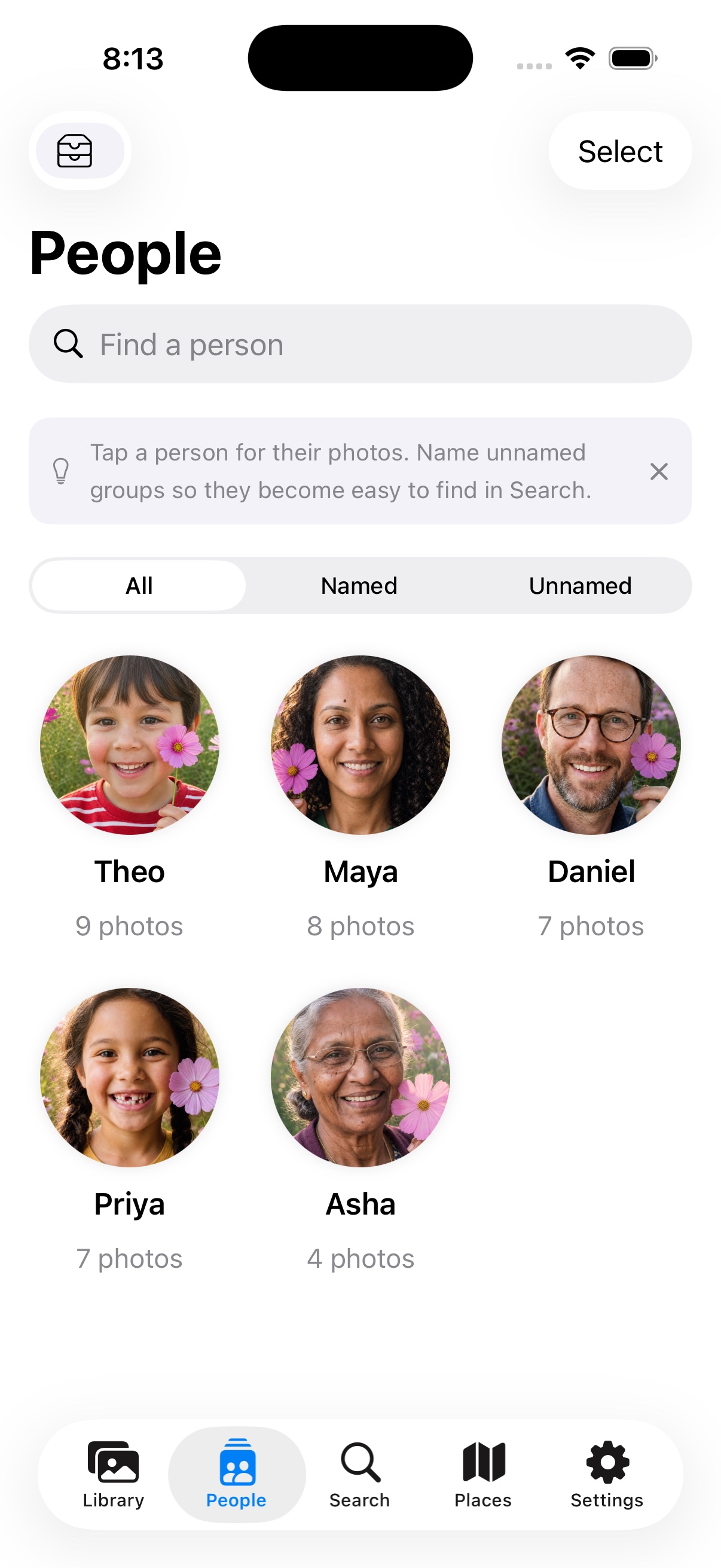
iPhone & iPadBrowse people privately
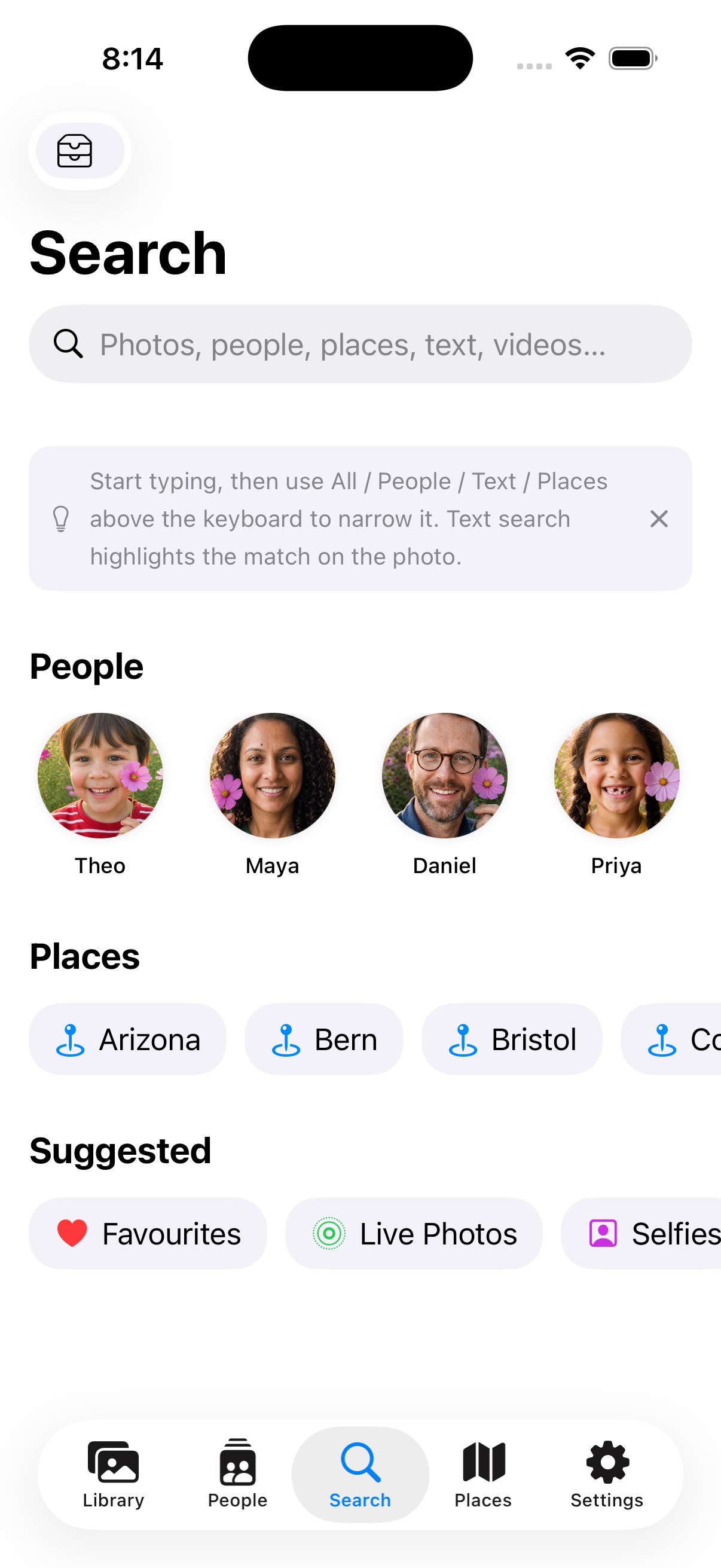
iPhone & iPadSearch people, places, and text
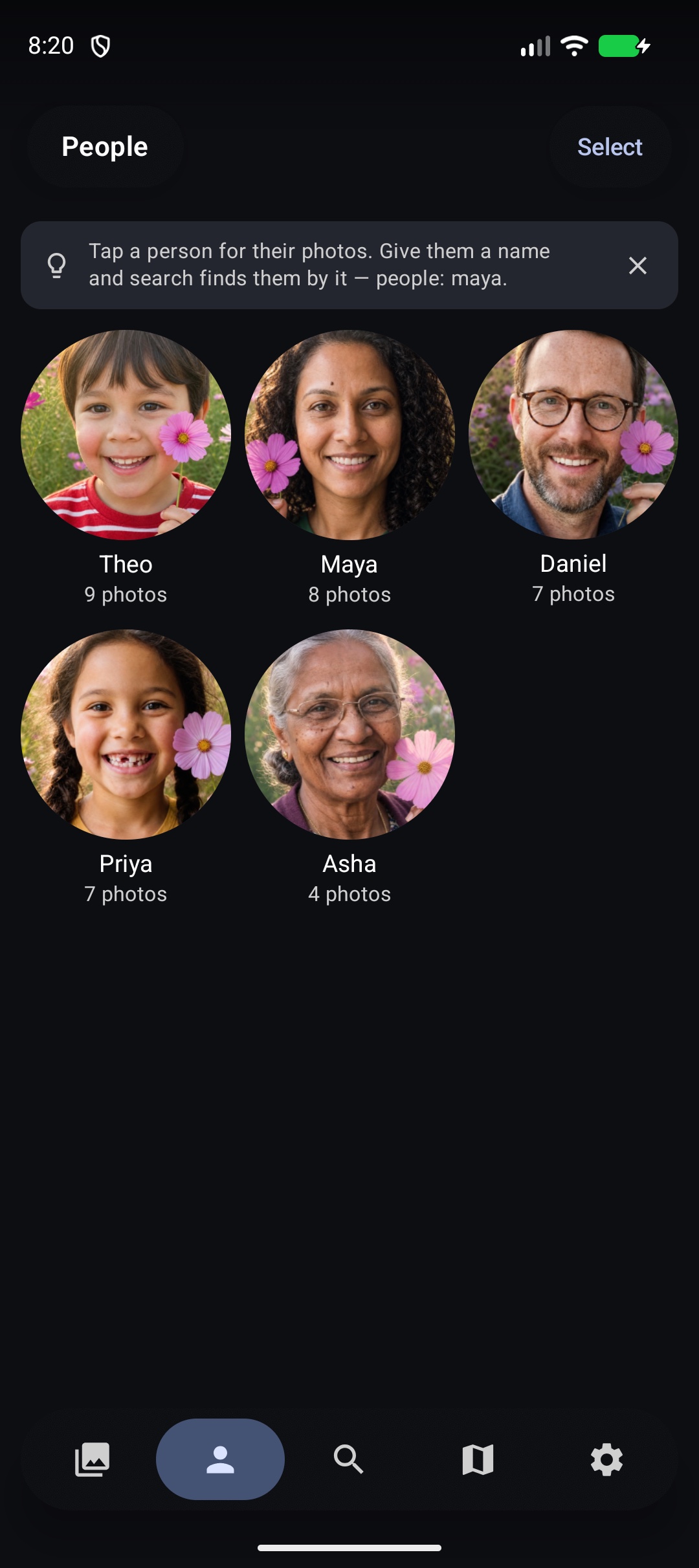
AndroidFind every photo of someone
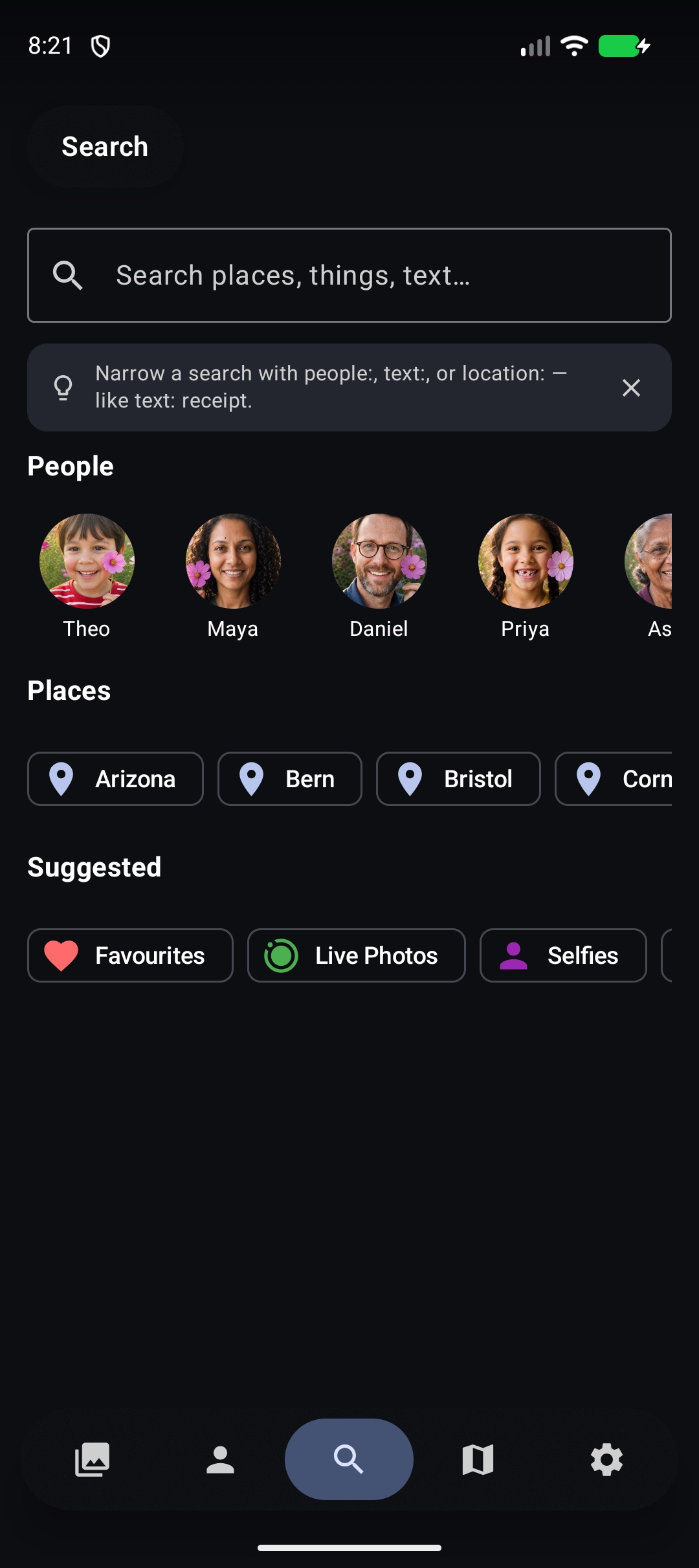
AndroidNarrow with helpful prefixes
Turn Camera Roll into a private archive
Choose where originals should live, grant only the photo access you want, and let LocalPhotos add new shots automatically. The guided setup explains every permission before Android asks for it.
See the Camera Roll setup guide →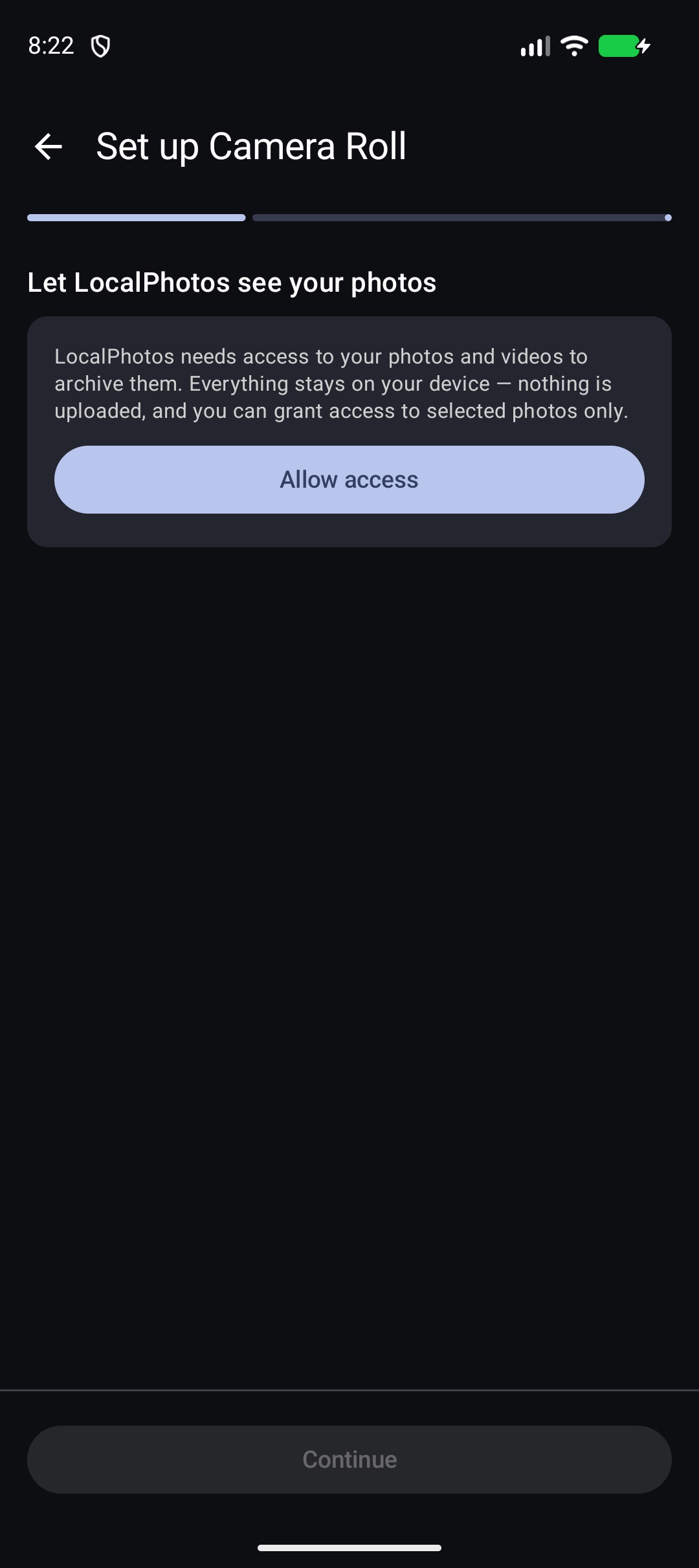
2. Edit, Share, and Recover with Confidence
The companion is designed for real library work, not just viewing. Changes are non-destructive and stay associated with the correct library.
🎛 Photo & Video Editing
Crop, rotate, tune color and light, and edit supported video properties. Your original remains untouched, and edits can sync back to the Mac.
↩️ Recently Deleted
An immediate Undo protects accidental taps. Device-made libraries also provide a Recently Deleted view; Mac-owned libraries clearly direct recovery to the Mac.
♿ Designed for More People
Clear task-based settings, Dynamic Type, VoiceOver labels, reduced-motion support, and plain-language status messages make complex library work easier to understand.
3. Direct, Encrypted Mac Sync
Pair your iPhone, iPad, or Android device with LocalPhotos on your Mac over local Wi-Fi, a wired connection, or a private VPN. Browse terabytes of media stored on your Mac without filling your mobile device.
🔒 Encrypted PIN Pairing
Pair privately with a 6-digit PIN shown on your Mac (it refreshes periodically for security). No cloud servers, no account logins, and no third-party tracking.
📥 Originals, Offline
Download full-resolution originals by date range or album to keep them on your device — and the app keeps that selection up to date automatically on every sync.
⚡ Smart Offline Caching
Thumbnails and your library index are cached locally, so you can browse, search, and navigate your entire Mac library even when you're off your home network.
🌐 Tailscale & Remote Access
Away from home? Use Connect by Address with your Mac's Tailscale or VPN address to reach it securely from across town or overseas.
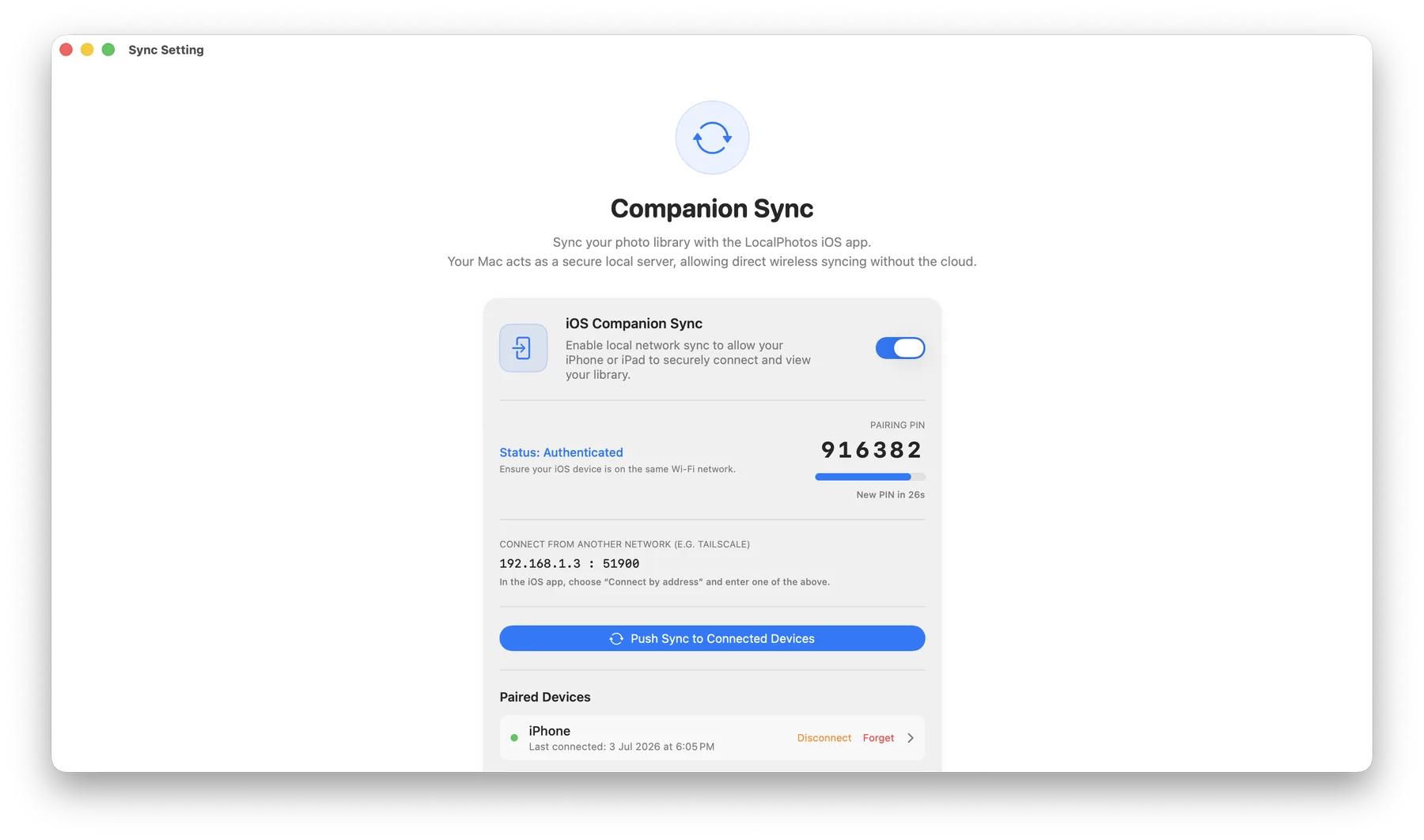
Companion Sync on your Mac — encrypted PIN pairing
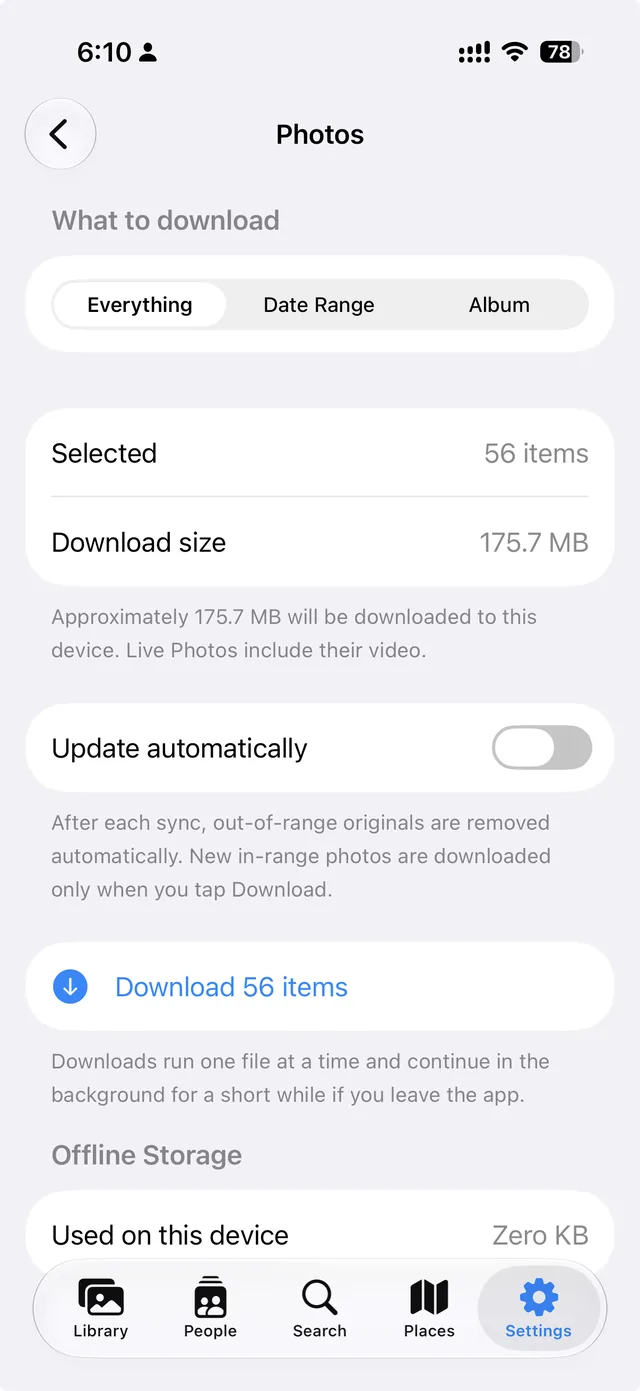
Download originals for offline
4. The Power Combo: Mac + Mobile
Together, LocalPhotos for macOS and the Companion make a private, cloud-free system for your digital memories.
Mac as the Home Base
Your Mac stores massive multi-terabyte libraries on internal SSDs or external drives, and runs all the AI indexing — faces, search, and duplicates — in the background.
Mobile Access Anywhere
Browse your full collection from iPad, iPhone, or Android — over local Wi-Fi, a wired connection, or Tailscale.
Private by Design
Your photos move only between your own devices, over an encrypted connection you control — never a third-party cloud, and never an account.