Help / Set up
Libraries on your phone
The iPhone & iPad companion app is in release testing — it isn't on the App Store yet, and this guide describes the current test build.
The Android companion app is in release testing — it isn't on Google Play yet, and this guide describes the current test build.
The companion apps can build private libraries from what’s already around you — organised on the device, with faces, places and text found on the device, under your control.
Open from Files
- Pick a folder in the Files app — iCloud Drive, a USB-C drive, or a NAS mounted in Files.
- A folder that already holds a LocalPhotos library opens as one, metadata and all.
- A folder of raw photos is indexed in place: the grid fills live while it scans, then you choose whether to run on-device analysis (faces, places, text).
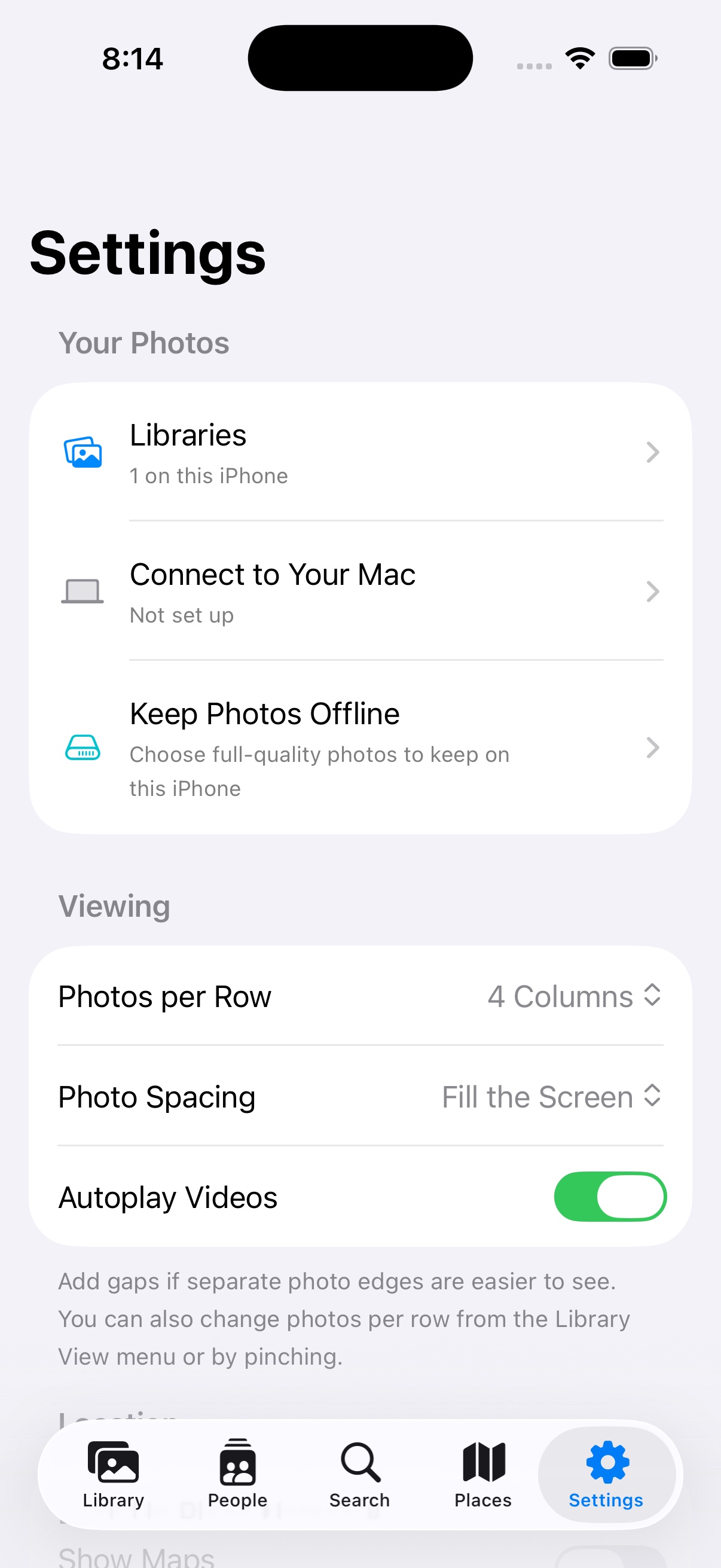
Working with your Mac
A device-made library can be handed to your Mac: it appears there as “Available for import”, and the Mac collects the photos over the encrypted link.
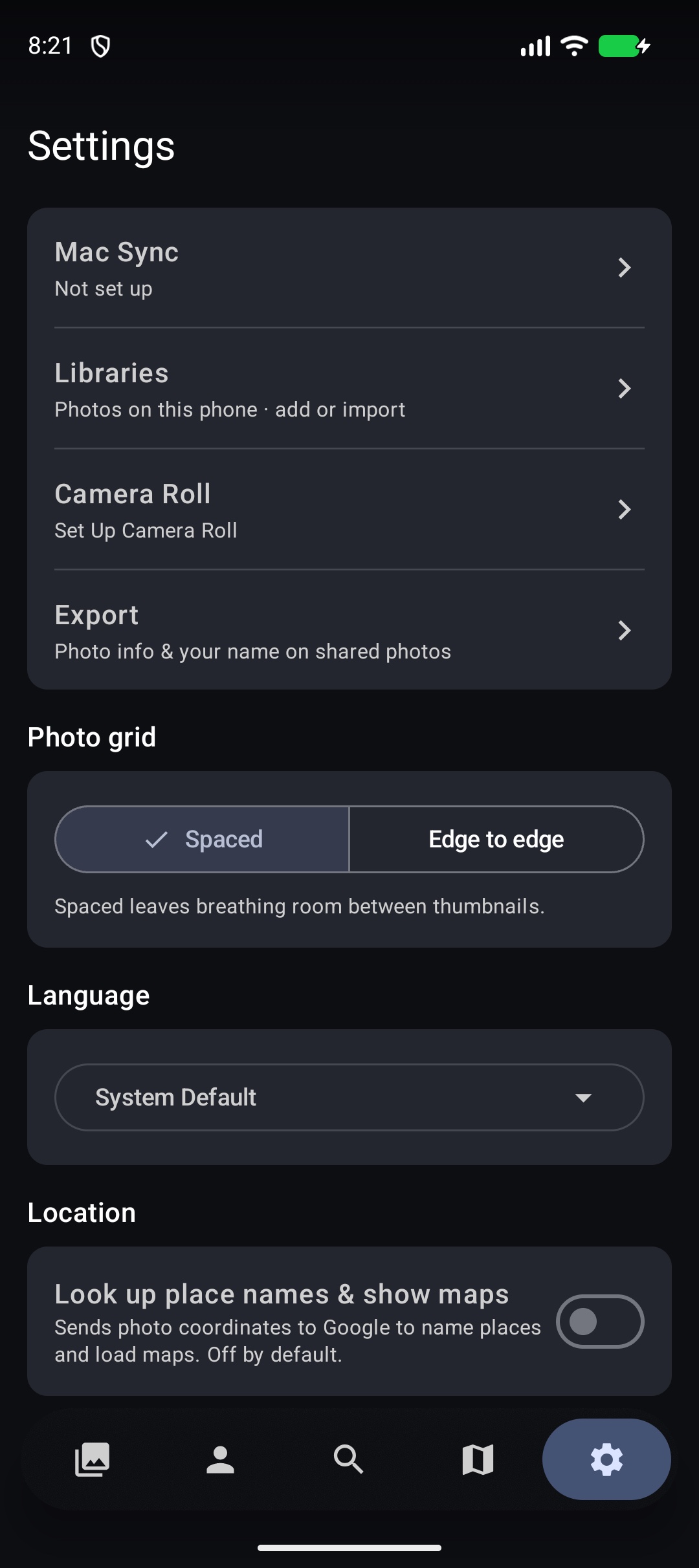
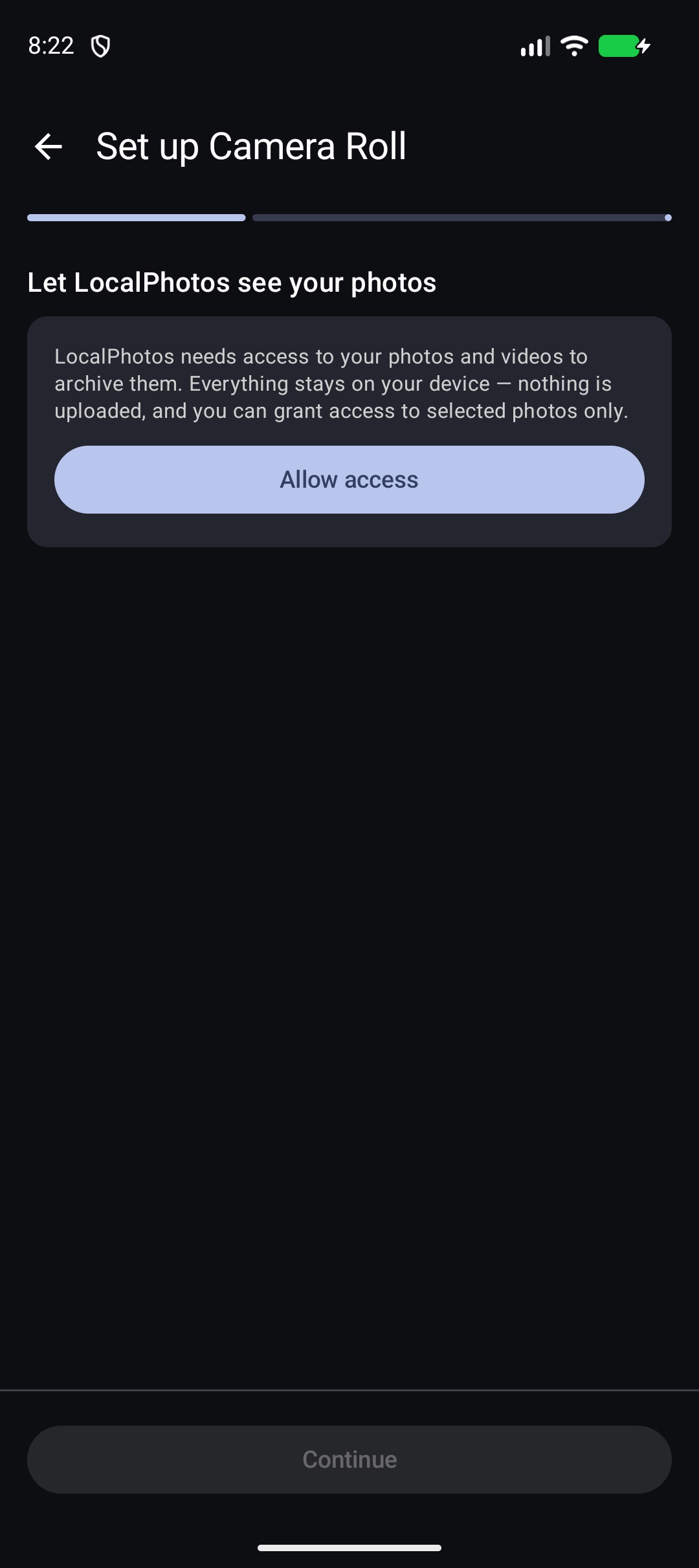
Camera roll
The app can browse camera photos immediately. Turning Camera Roll into a full library copies originals into a managed archive you choose — private phone storage, an attached USB/SD drive, or a NAS — and adds new shots automatically. Another phone can join the same archive. Removing the library never deletes the phone's gallery; an external archive stays available to reconnect.
A folder
Pick any folder — internal storage, an SD card, a USB-C drive. The app indexes it in place and re-checks for new media each time you open the library. Deleted photos go to a recycle bin inside the source folder, restorable from Settings.
A NAS share (SMB)
- Photos stay on the share; the phone builds thumbnails and streams full resolution on demand. Works over SMB2/3.
- In the folder picker, “Show thumbnails” peeks at a folder’s first few photos so you can confirm it’s the right one before importing.
- Connections that worked are remembered. The password is stored only in Keystore-encrypted storage, and revealing a saved password asks for your fingerprint or device PIN.
On-device analysis
Analysis (faces, place names, photo tags, text in photos) runs on the device only for libraries made on it — you can restrict it to charging or Wi-Fi. Mac-synced libraries are analysed by the Mac instead; the device never re-does that work.
Was this page helpful? Tell us what’s missing — it goes straight to a human, not a tracker.