Help / Every day
Browsing
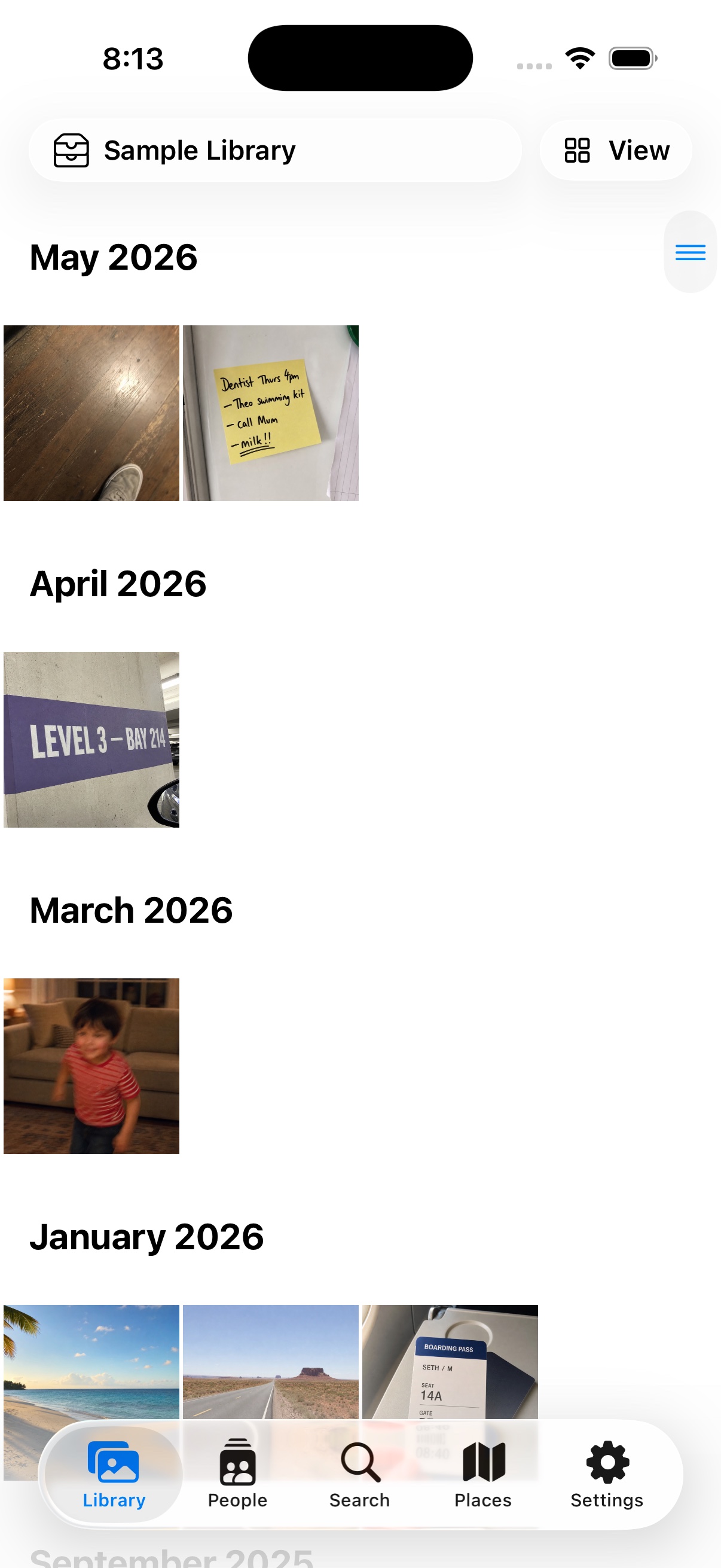
The iPhone & iPad companion app is in release testing — it isn't on the App Store yet, and this guide describes the current test build.
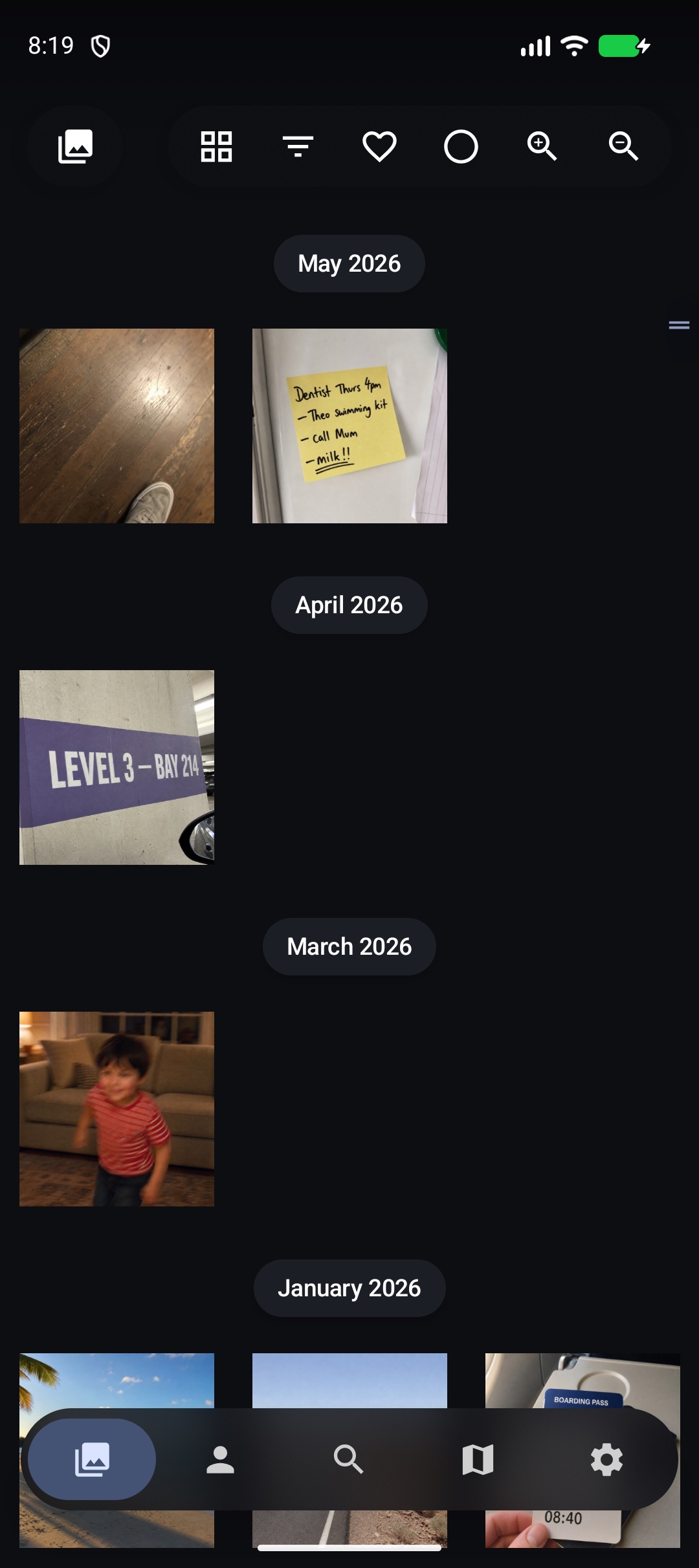
The Android companion app is in release testing — it isn't on Google Play yet, and this guide describes the current test build.
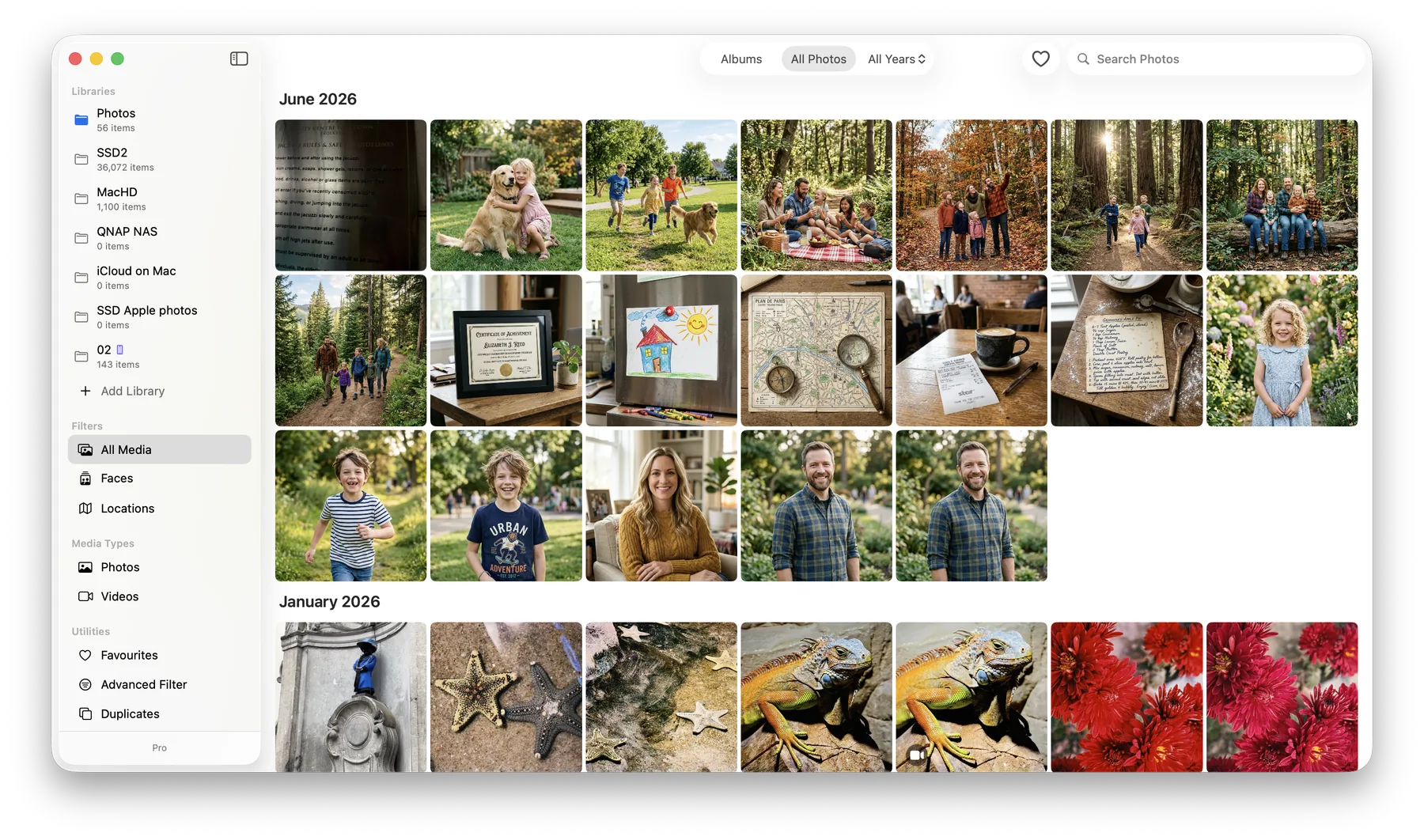
On the Mac, browsing is the timeline grid plus the sidebar: people, places, albums, duplicates, and filters. The Search feature guide covers slicing the library by year, month, person, or place.
- The tabs split a library up: the photo grid, people, search, and places on a map.
- Tap a photo for the detail view — swipe through neighbours, pinch to zoom, tap once to show or hide the controls. Live Photos play their motion.
- The info panel shows when and where a photo was taken, what’s in it, and any text found inside it.
- More than one library? Swap between them in Settings; each keeps its own downloads and settings.
- The tabs split a library up: photos and videos, people, albums, places on a map, and search.
- Tap a photo for the detail view — swipe through neighbours, pinch to zoom, tap once to show or hide the controls.
- The info panel shows when and where a photo was taken, what’s in it, and any text found inside it.
- Long-press a photo to select several at once — for albums, favourites, or delete.
- More than one library? The switcher at the top swaps between them.
Was this page helpful? Tell us what’s missing — it goes straight to a human, not a tracker.