Help
The iPhone, iPad, and Android companion apps are in release testing — they aren't on the App Store or Google Play yet, and this guide describes the current test builds.
Guides for LocalPhotos on Mac and the companion apps for iPhone, iPad, and Android. The same topics are bundled inside the apps and work offline; this site is the always-current version.
See it before you start
Jump into the task you want to complete, with the screen you should look for.
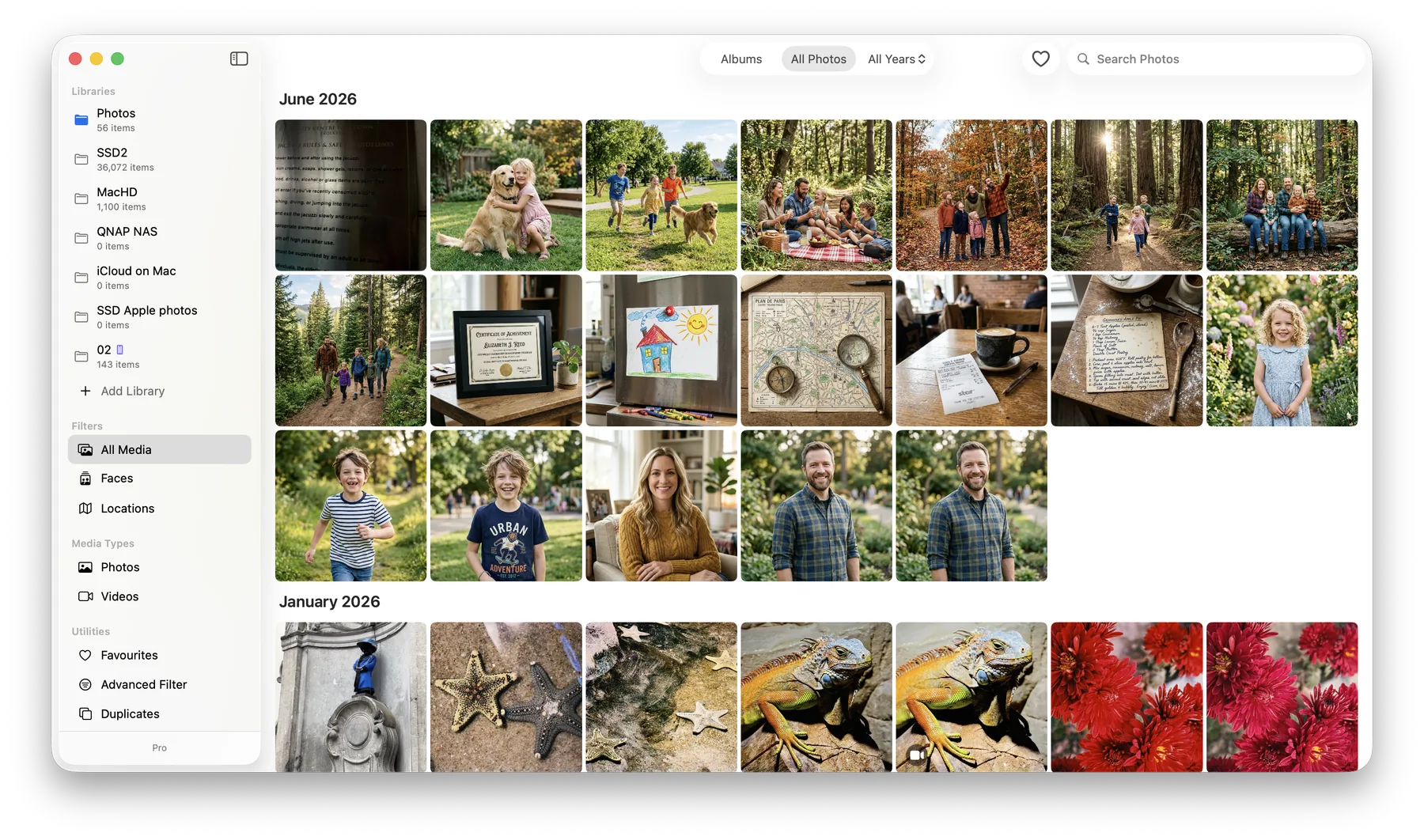
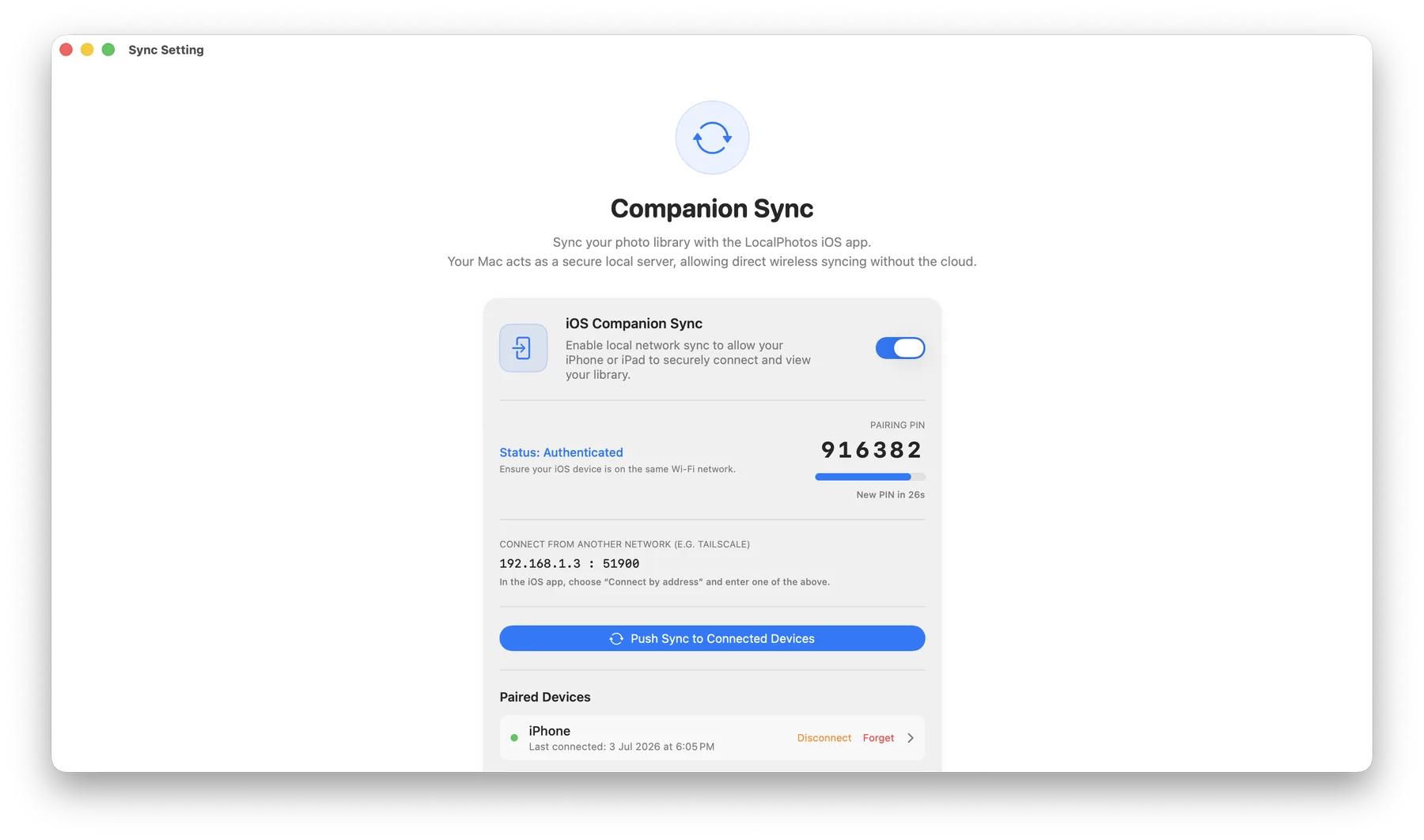
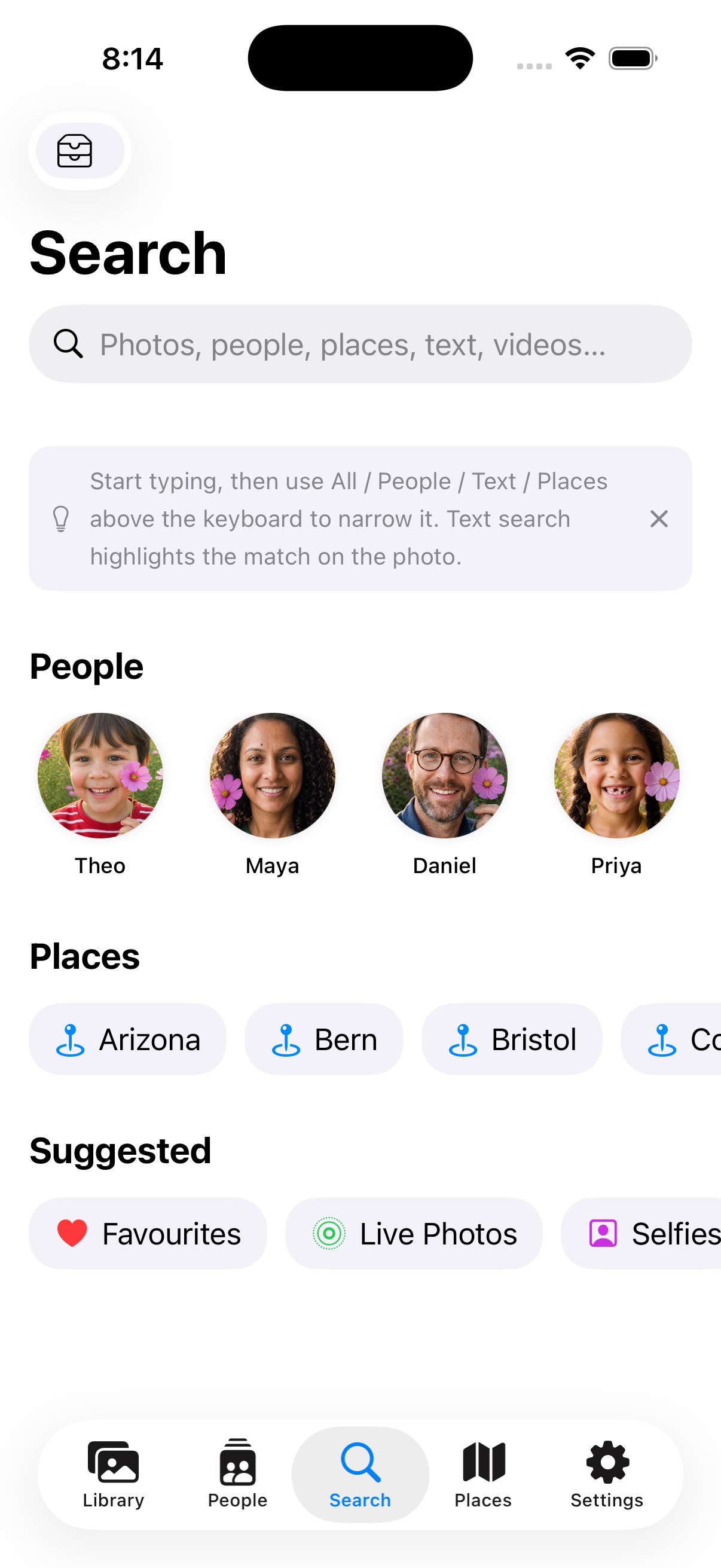
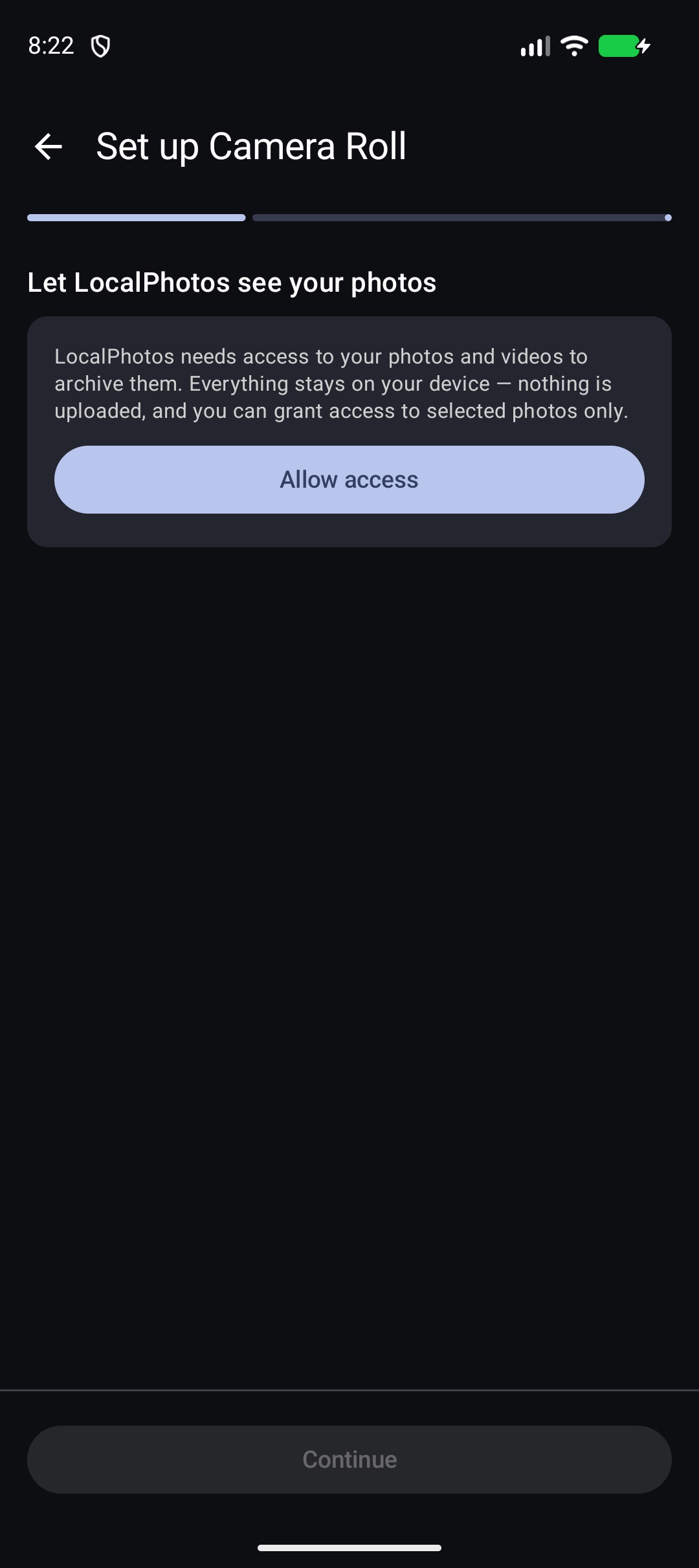
Set up
Getting started
The three ways in, and the one-minute setup.
Pairing with your Mac
Find your Mac, enter the PIN, fix discovery problems.
Connecting away from home
Reach your Mac from anywhere with Tailscale or a direct address.
Libraries on your phone
Camera roll, folders, and NAS shares — no Mac required.
A local originals source
Full resolution from a drive or NAS while the Mac is away.
Every day
Browsing
The grid, the tabs, and the detail view.
Search
Plain words work; prefixes narrow.
People
Faces become people you can name and search.
Albums
Collect photos across time; syncs across devices.
Editing
Non-destructive light, color, curves, crop — offline too.
Importing with +
Add phone photos to a Mac library from anywhere.
Offline originals
Keep full-quality photos on the device — by album, date, or rolling window.
Reference
Privacy & security
What’s stored where, what’s encrypted, what leaves your devices. (Nothing.)
Troubleshooting
Pairing, NAS errors decoded, and stuck syncs.
What’s new
Recent additions across the LocalPhotos apps.
Can’t find it? Ask us directly — no forms, no bots.